
5. Reviewing the Trainee ePortfolio
This section explains how to access the ePortfolio and manage learning records, achievements, and evidence collected throughout the training journey.
5.1 Accessing the ePortfolio
The ePortfolio can be accessed directly from the user area.
To access your ePortfolio:
1
Select ePortfolio.
2
You will be redirected to your personal portfolio space.
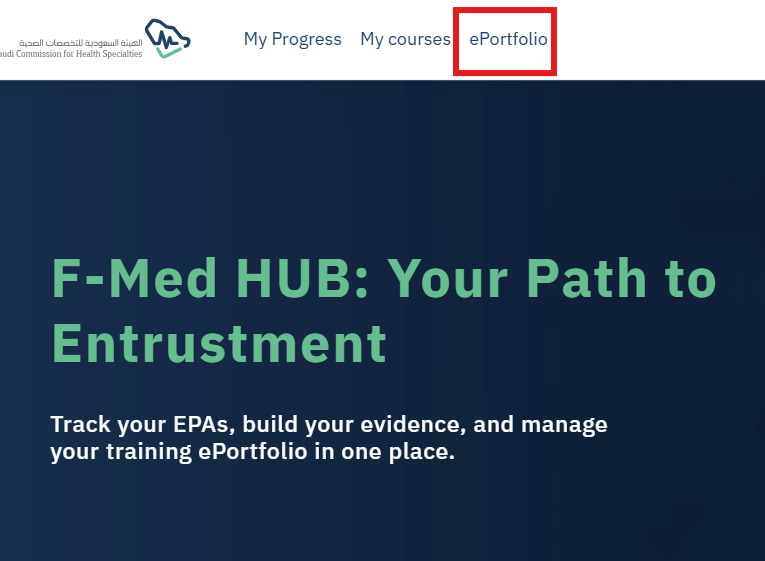
The ePortfolio provides a dedicated environment where trainees can manage their learning records, achievements, and evidence collected during their training.
The ePortfolio helps trainees maintain a record of their learning journey and organise evidence of their completed training activities.
This is a non-production site